
Ad inventories
Inventories are the locations for your advertisements and refer to a collection of ad items or a group of creative assets. These may include banners, logos, headlines, and Call-to-Action (CTA) text. Below are examples of common inventory locations in retail marketplaces:
Inventory Dimensions
Inventory Dimensions describe where and in what context each inventory appears, as standardized fields on the inventory configuration rather than informally inside the inventory ID. This makes inventory context consistent and available for reporting across your platform.
Each inventory can be described along a fixed set of dimensions, grouped into three questions:
| Dimension | Group | Values | Default |
|---|---|---|---|
| Page Type | Where the ad appears | SEARCH, HOME, CATEGORY, PDP, PLP, CART, CHECKOUT, DEALS, ORDERCOMPLETE | UNKNOWN |
| Layout | How the ad renders | INGRID, CAROUSEL, BANNERSTRIP, FULLSCREEN | UNKNOWN |
| OS | Shopper context | ANDROID, IOS | ALL |
| Channel | Shopper context | APP, WEB, MWEB | ALL |
| Country | Shopper context | ISO 3166-1 alpha-2 codes (for example, KR, JP, FR) | ALL |
| Sub-platform | Shopper context | Your storefronts, brands, or buyer segments | ALL |
The inventory configuration is the source of truth for these values.
ALL vs UNKNOWN. ALL is a real aggregate ("this inventory intentionally covers every value of this dimension"). UNKNOWN is a placeholder ("a single placement whose value has not been declared yet") and is meant to be filled in later.
You do not have to split your inventories. Split an inventory along a dimension only when you want to analyze, target, or report on that slice separately. Existing inventories do not need to be restructured — attach dimension metadata and leave the rest at their defaults.
NOTE:
Page Type vs placement targeting. Page Type is a descriptive dimension used for standardization and reporting. It does not change targeting: campaigns continue to target pages through placement types. See Placement Targeting.
To set dimensions on your inventories, see Ad inventory placement.
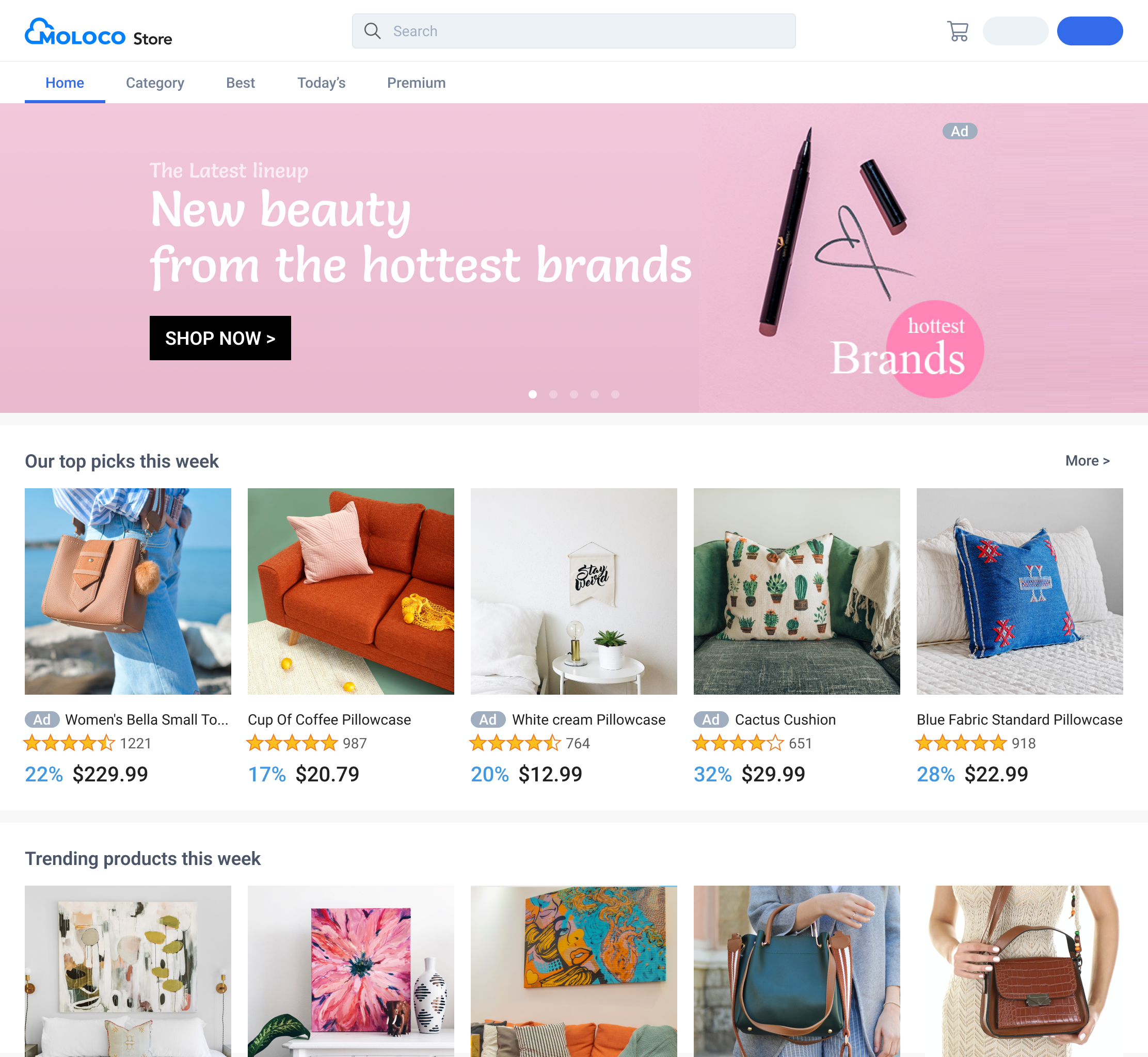
Home
This is the first page of your marketplace, which serves as the point of entrance for your users. As a result, you typically receive higher impressions from displaying personalized ads on this page.
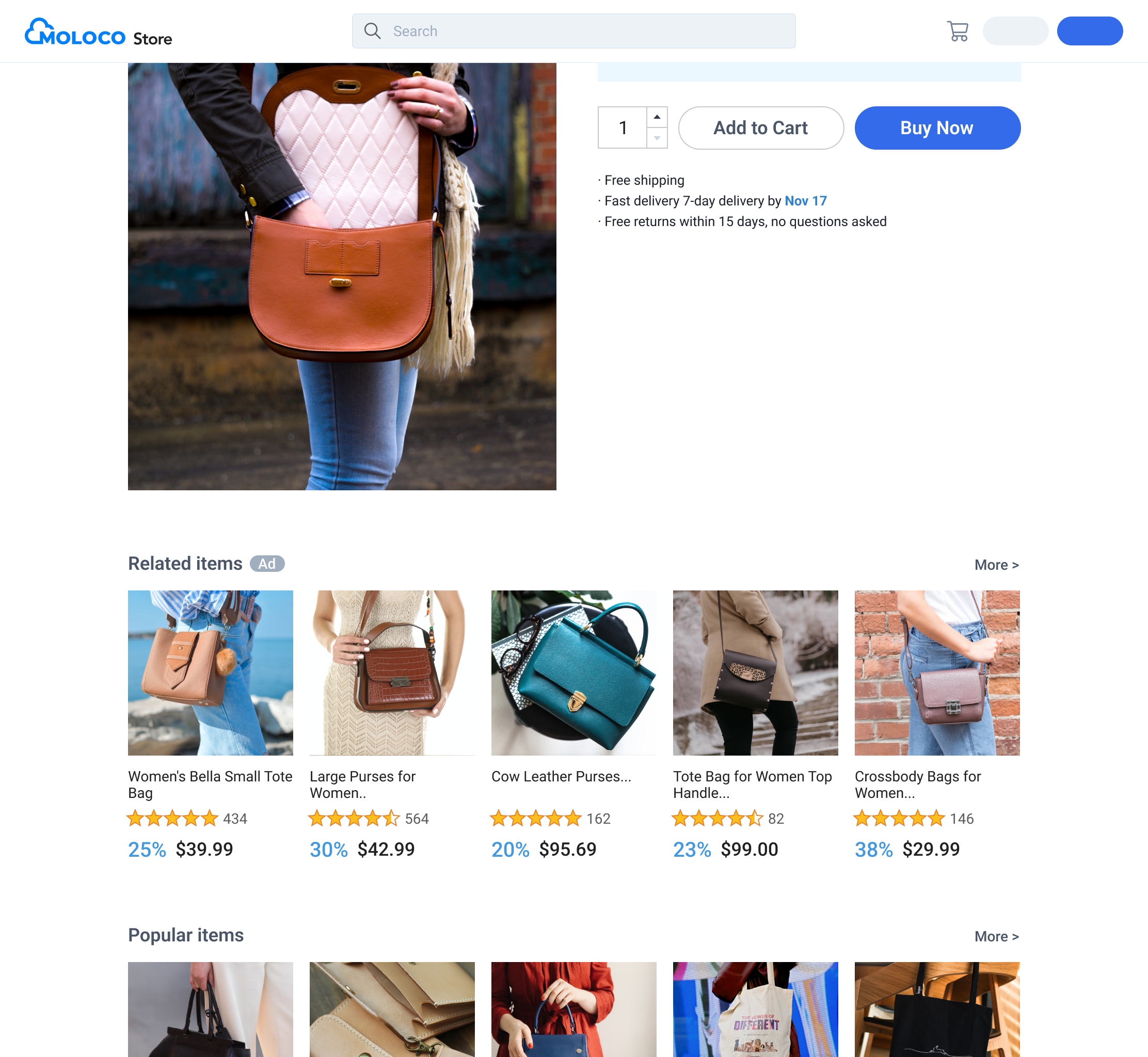
Product detail page (PDP)
You can place ads with titles such as “You may also like X.”
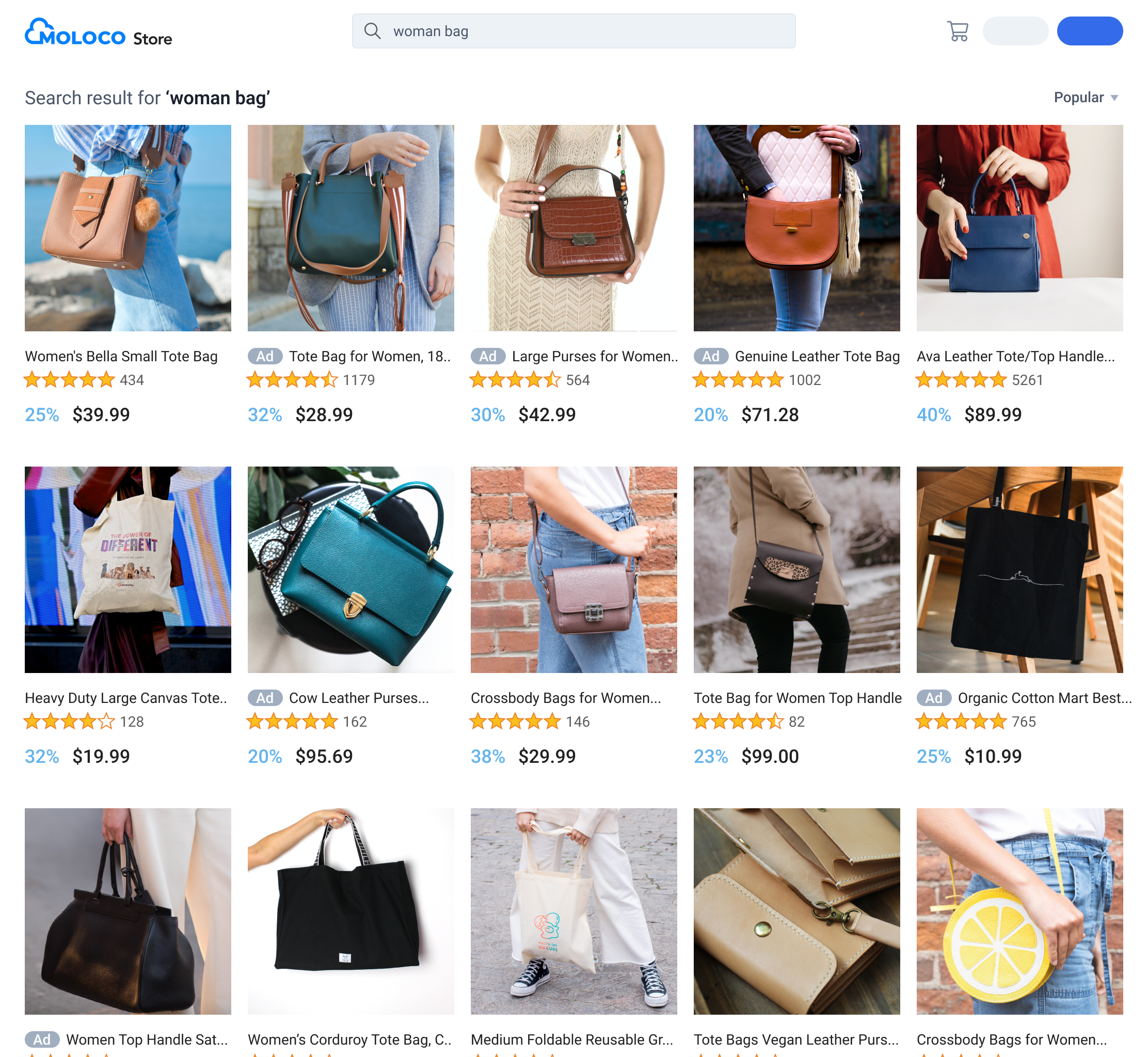
Search result page (SRP)
You can place ads to appear on the search result page. You have the option to also include items that aren’t a perfect match to the search query but users are more likely to be interested in.
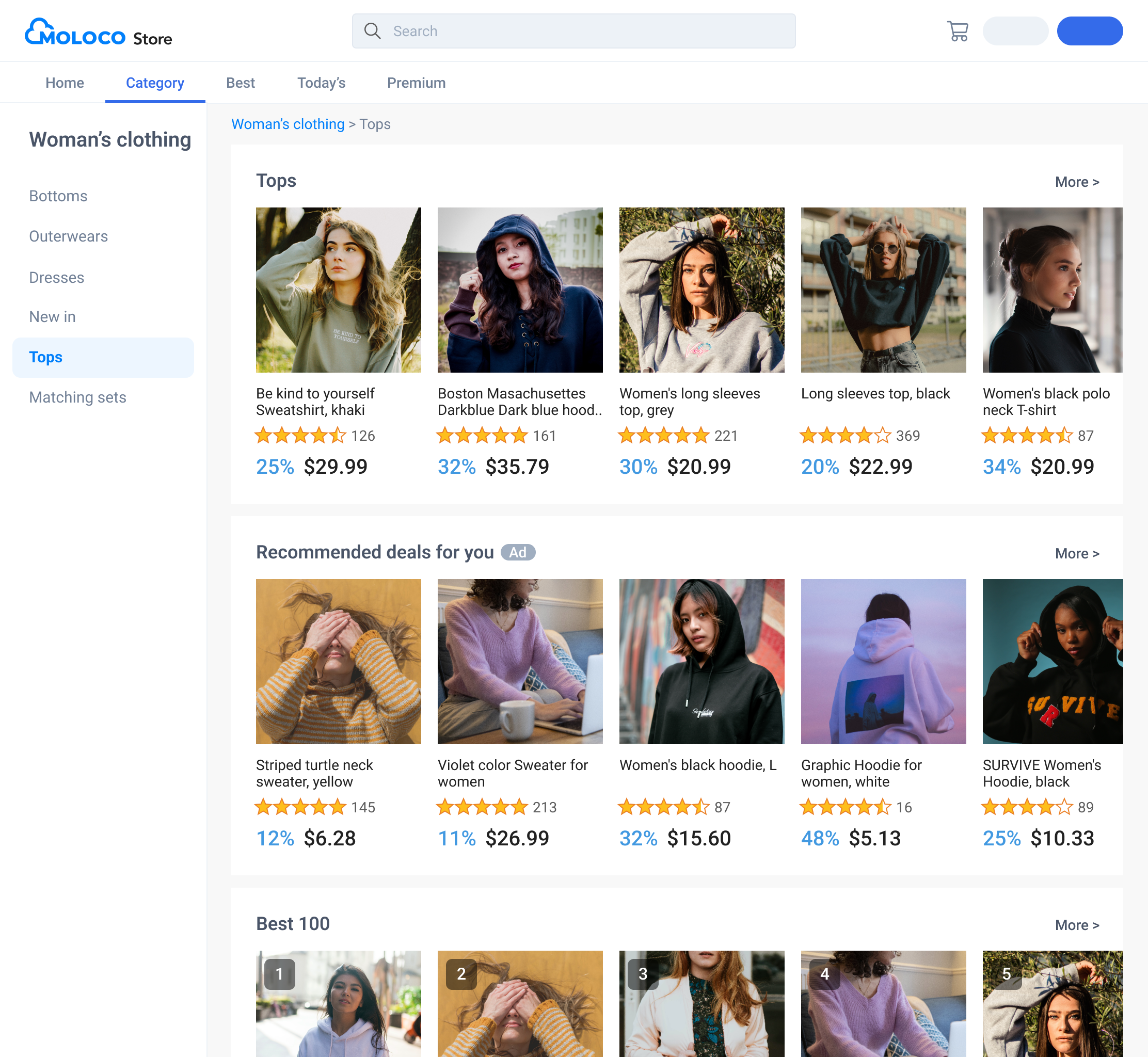
Category page
Ad inventories with the category filter enabled let you filter search results. For more information on filtering, see the API reference for the Decision API.
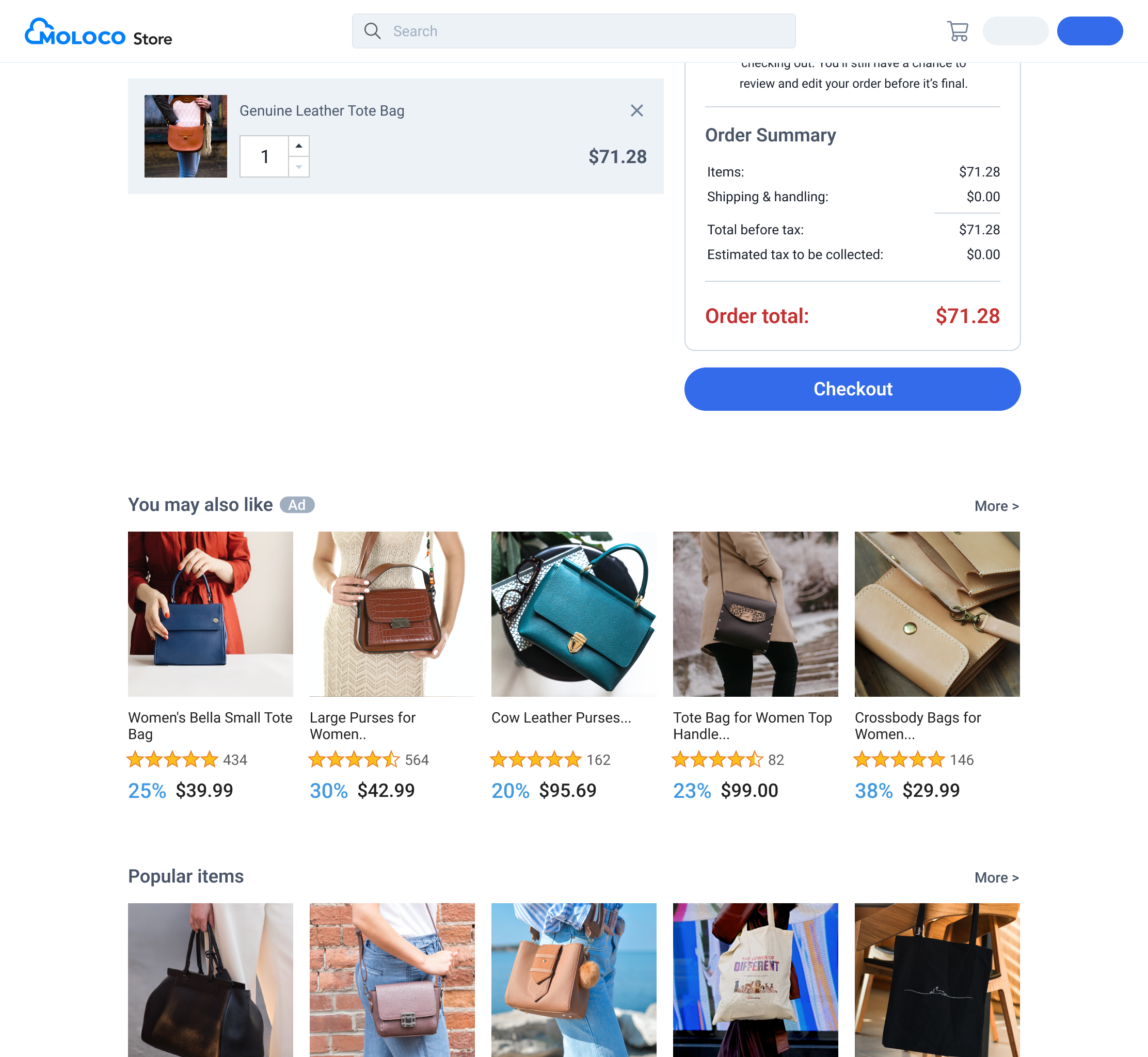
Checkout page
You can place ads with titles such as “You may also like X” on your checkout page.
Updated 2 months ago