
Smart Guidance
Introduction
Smart Guidance is an intelligent, real-time recommendation engine embedded in the MCM campaign creation and edit flow. It helps you set competitive bids and budgets by analyzing your product catalog and live auction signals, so your campaigns start with data-backed bids and budgets instead of guesses.
Be attentiveGuidance V3 and Forecast V1 cannot coexist on the same platform. Platforms currently using Forecast V1 are not eligible for V3 until the forecast-guidance alignment ships. Contact your Moloco representative to get more details.
Key Benefits
| Benefit | Description |
|---|---|
| Maximize Efficiency (ROAS) | Helps advertisers win more auctions at prices aligned with their ROAS targets |
| Drive Growth and Scaling | High-performing campaigns build advertiser trust, encouraging them to increase budgets and expand their promoted product catalog |
| Real-Time Adaptability | Unlike static recommendations, the system instantly reacts to shifting auction dynamics, seasonal demand, and competitive pressure |
| The Virtuous Cycle | Foster sustainable platform growth where superior ROAS leads to higher investment and increased overall revenue (GAS/GMV) |
Supported Optimization Goals
Smart Guidance provides specific recommendations based on your chosen bidding strategy:
- fCPC (Fixed CPC): Recommends a specific bid and daily/weekly budget range.
- tROAS (Target ROAS): Recommends a target ROAS value and a supporting budget.
- Max Sales: Focuses on budget recommendations to maximize volume.
How it works
Smart Guidance doesn't just give you "average" numbers. It uses a sophisticated engine to analyze your specific items and the live auction environment. Here is a breakdown of the logic that powers your recommendations:
1. Tailored for Every Stage of Your Campaign
Whether you are launching a brand-new idea or optimizing a long-running campaign, the guidance adapts:
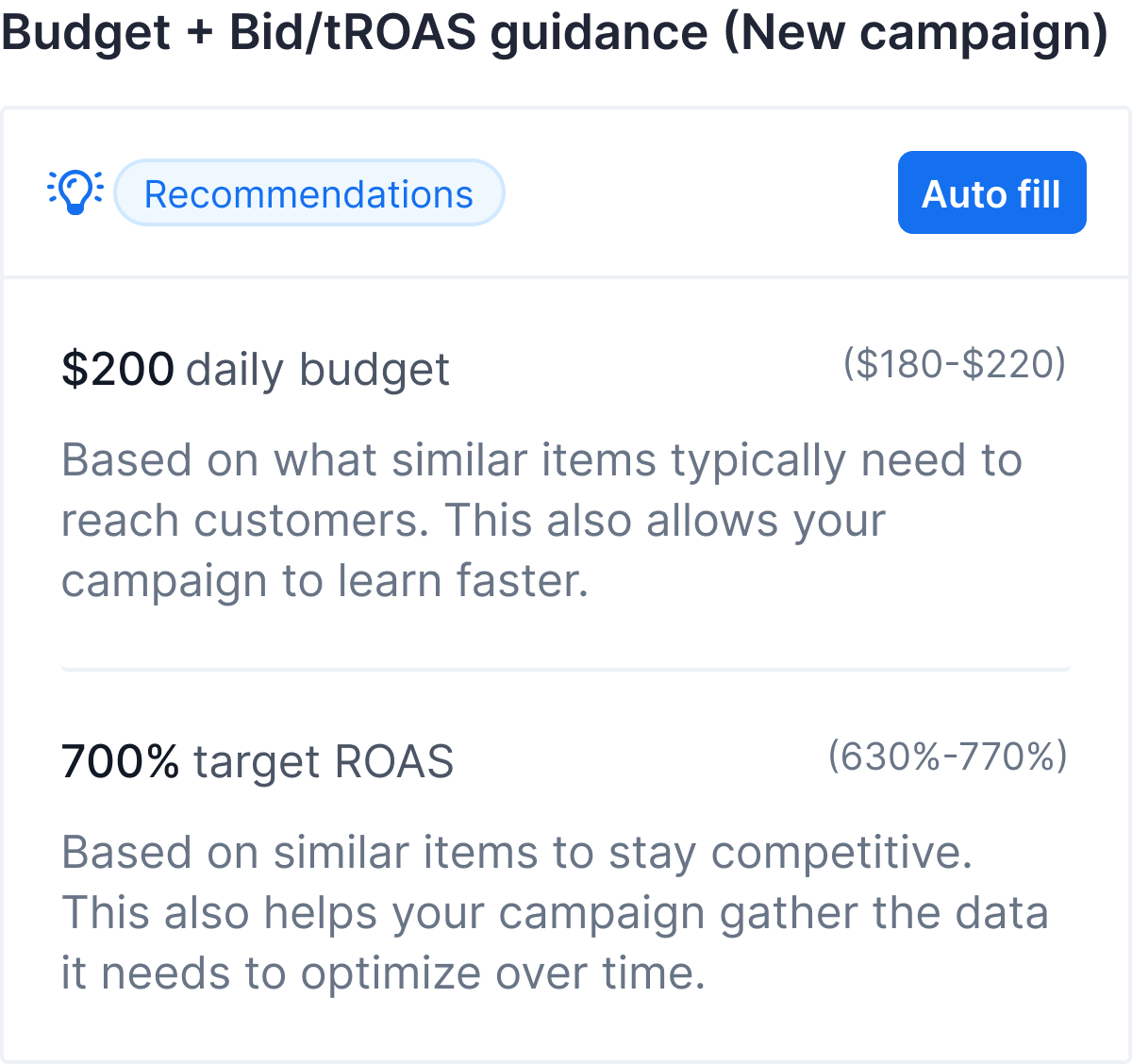
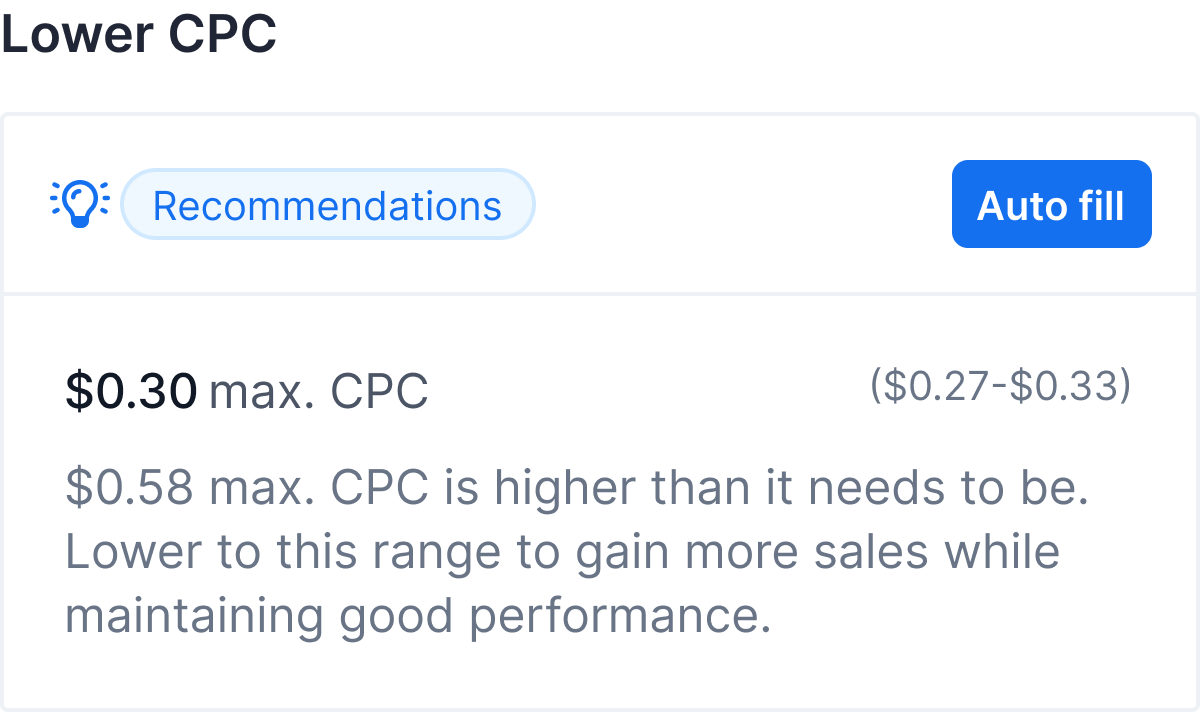
- For New Campaigns. The system analyzes the auction history of your selected items to calculate personalized starting values. Instead of guessing, you receive a data-backed starting point for your CPC, tROAS, and budget based on competitive market prices.
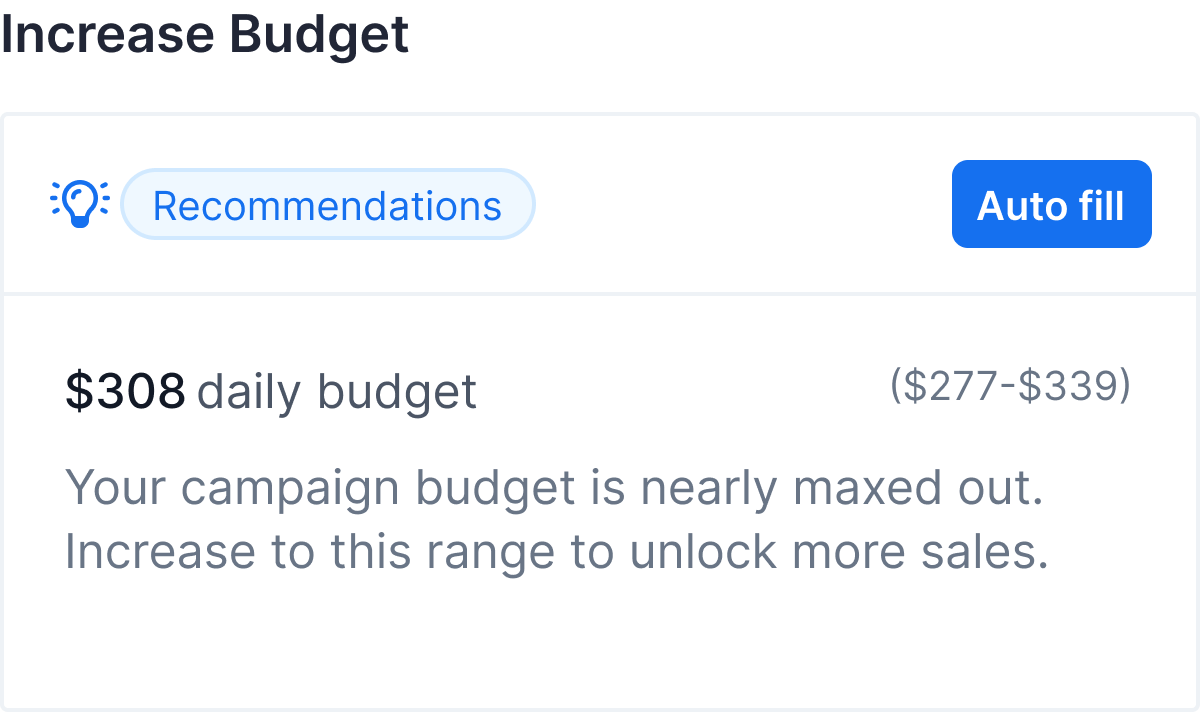
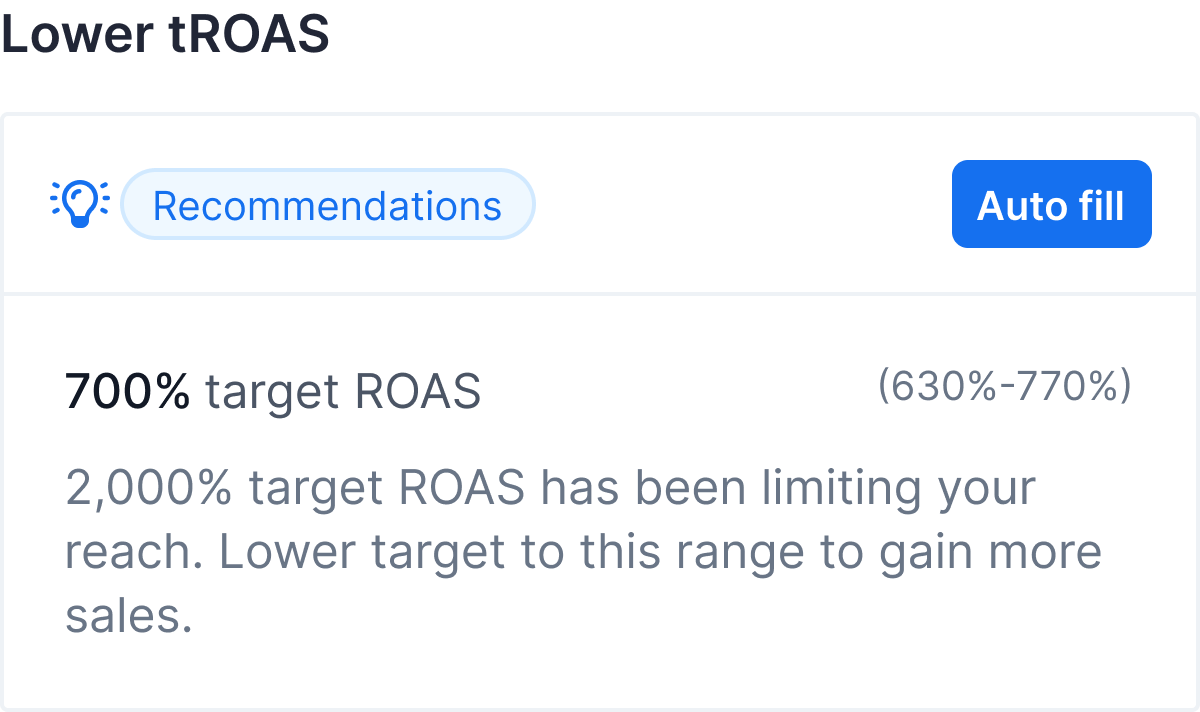
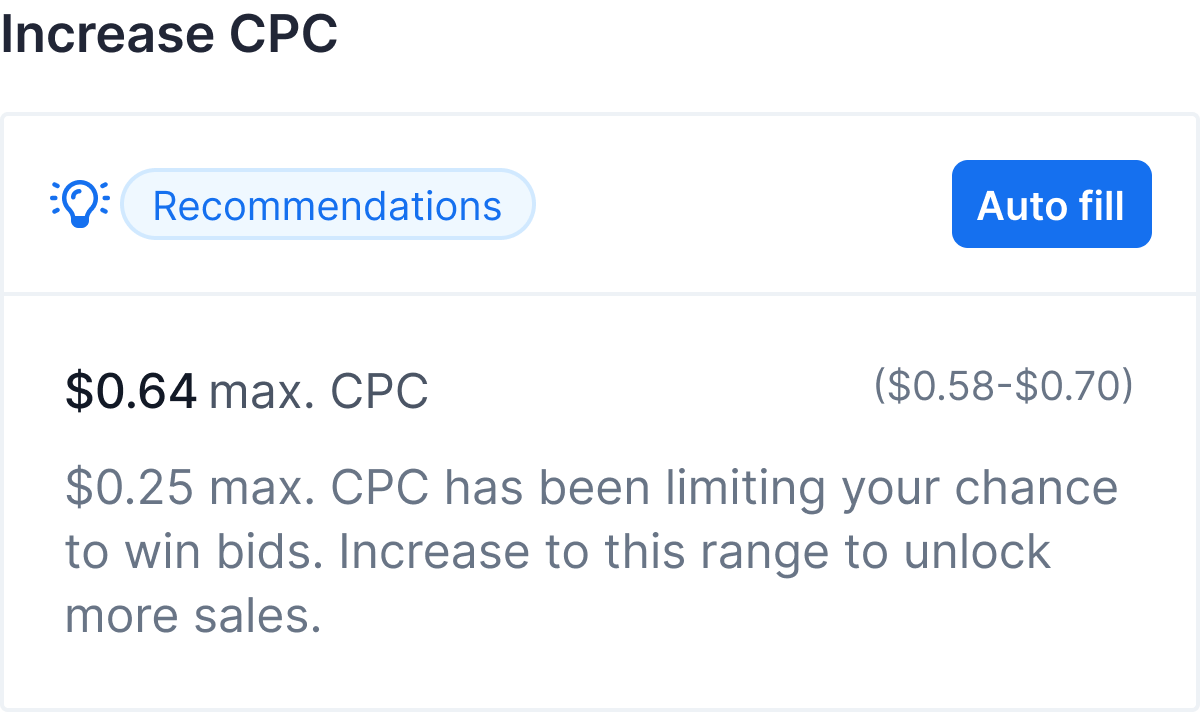
- For Existing Campaigns (7+ days). Smart Guidance evaluates your actual performance. If your campaign is consistently leaving a budget on the table, the system may suggest a bid increase to help you win more auctions and capture more traffic. If you're regularly hitting your budget cap before the day ends, it may recommend a budget increase so your ads keep running.
 |
 |
 |
 |
2. Dynamic Budget Guardrails
We want your business to grow sustainably. Smart Guidance includes "Guardrails" that link budget suggestions to your actual sales volume (GMV). Budget recommendations are bounded by a percentage of your recent GMV, so suggestions stay proportional to your current sales volume. (See FAQ: How is the GMV Budget Cap applied?)
NoteThese guardrails are customized at the platform level to ensure that all budget advice stays within safe, healthy limits for your specific market.
3. Clear, Independent Goals
You may forget about confusing percentage increases. Unlike older systems that might repeatedly ask you to "increase by 10%," Smart Guidance calculates the optimal end-state immediately.
| Old way | Smart Guidance way |
|---|---|
| Increase bid by 10%" ... then again ... "Increase by 10%." | "Set your CPC to $1.50." |
This makes every recommendation independently meaningful and easy to understand.
4. Smart Timing
Smart Guidance follows two key rules:
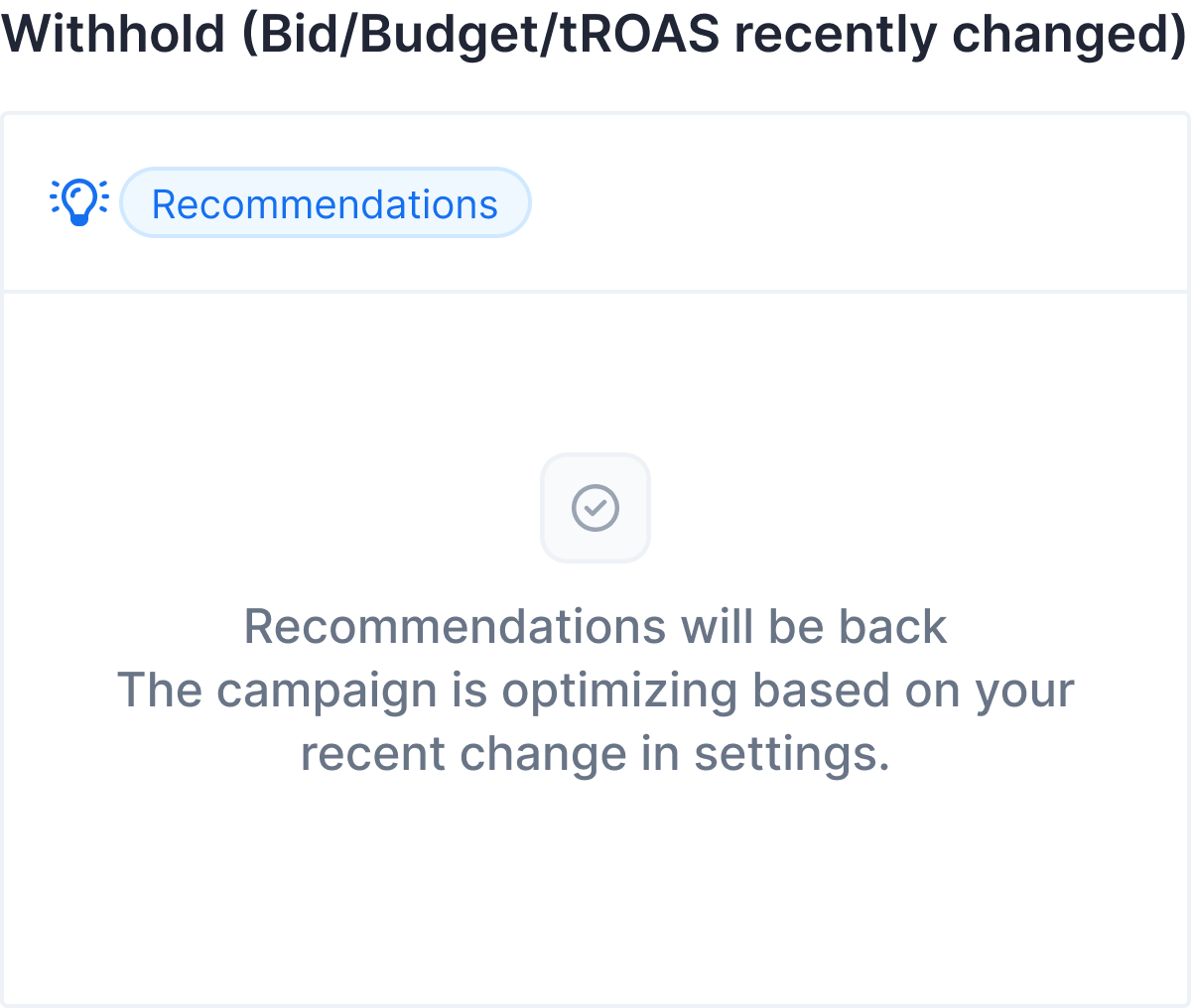
- Cooldown Periods. Once you edit your campaign setup, the system waits up to 7 days before suggesting a new one for that same setting. This gives the market time to react and room for your campaigns to stabilize.
- Autopilot Coordination. If your campaign is using an automated bidding algorithm (Autopilot), Smart Guidance stays in the background. This ensures that the Autopilot and the Smart Guidance are never giving you conflicting directions.
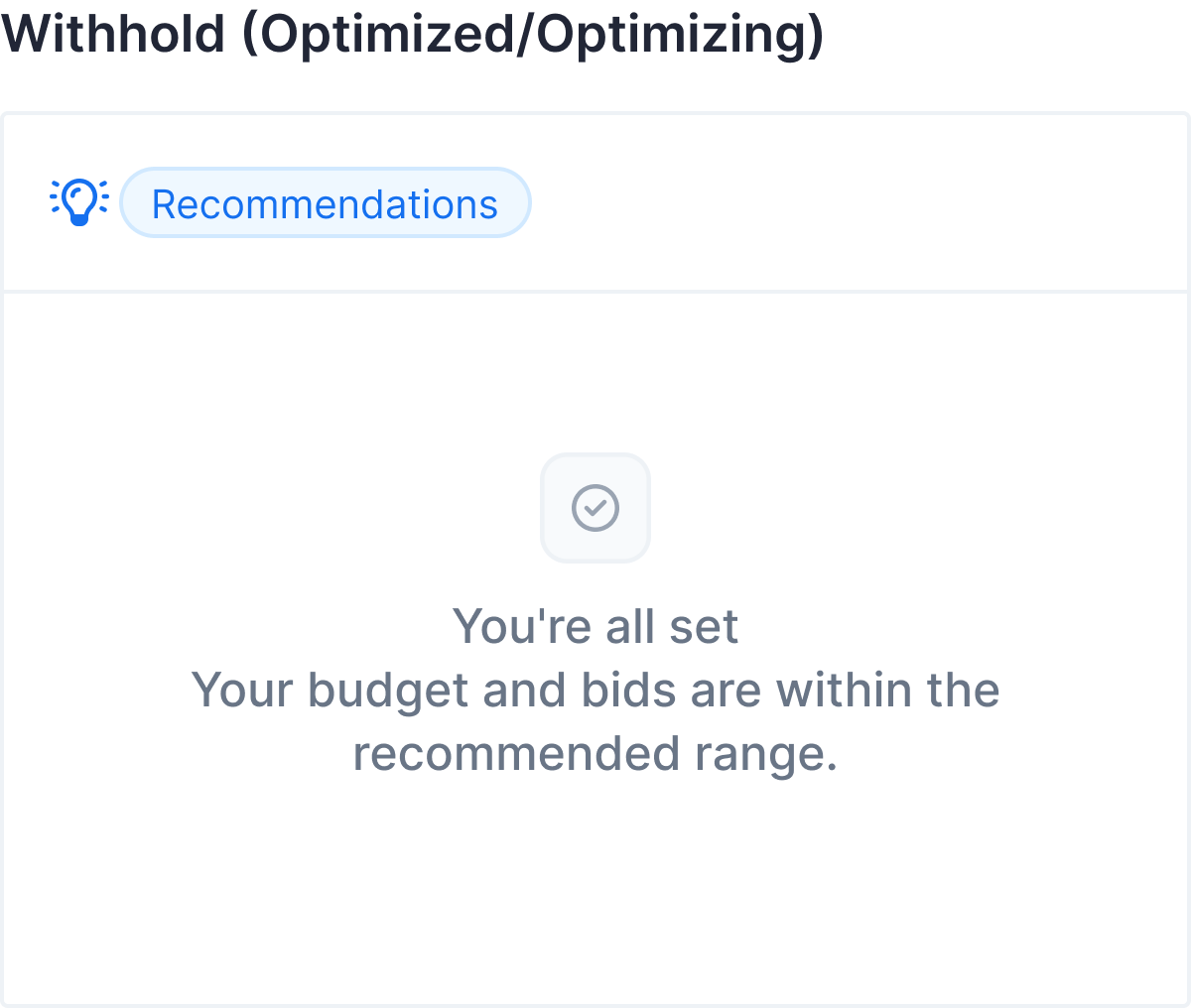
NoteDuring a "cooldown" period, the guidance panel will show an "on-hold" status. It means the system is currently monitoring your recent changes.
5. Data Sufficiency
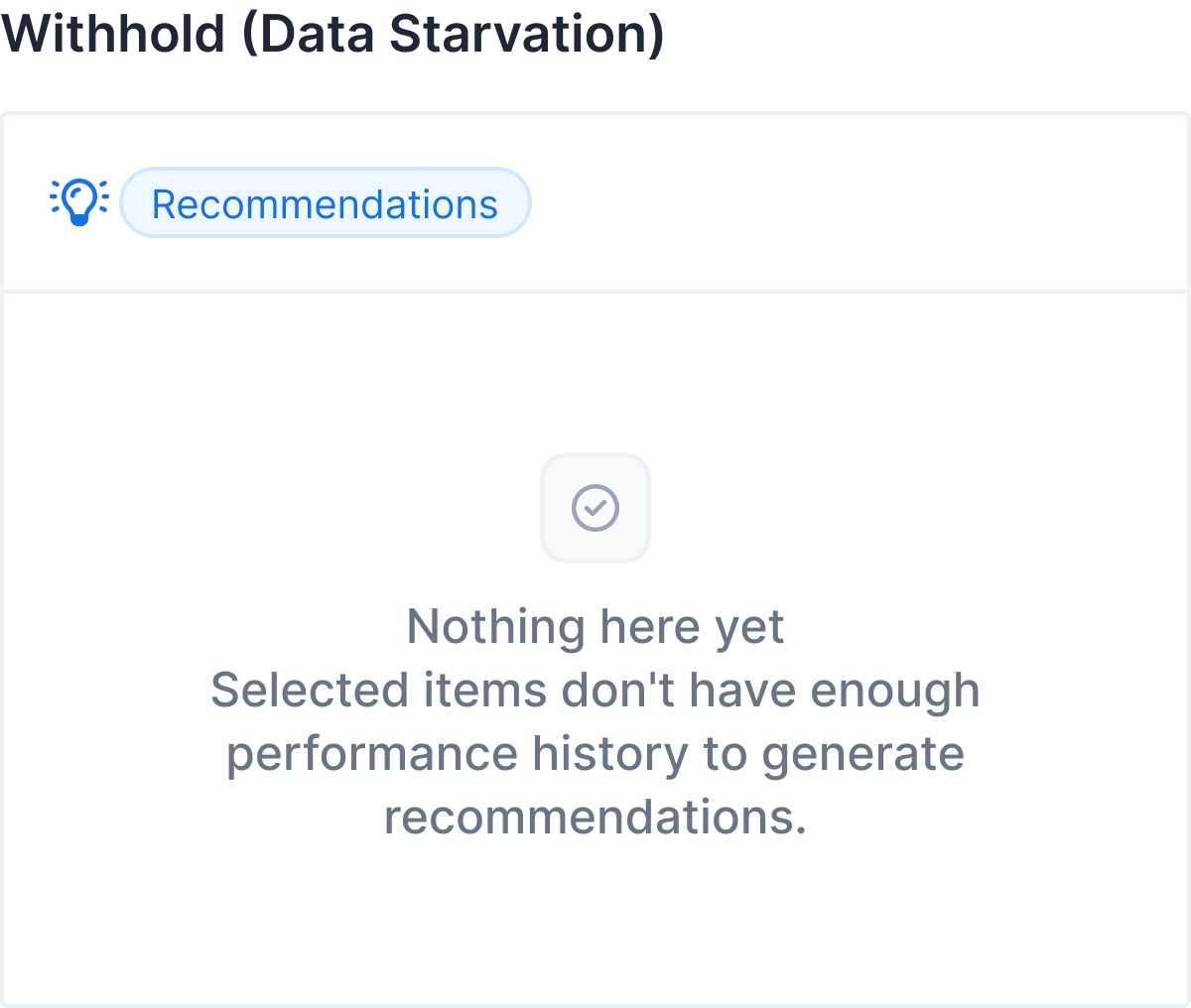
Smart Guidance only speaks when it has enough data to be confident. It measures the traffic (Item Page Views) of your selected products:
| Data Level | System Response |
|---|---|
| High Confidence (most items have data) | Full guidance is displayed normally |
| Limited Data (few items have data) | Guidance is shown with a Warning that recommendations may be less precise |
| Insufficient Data (no items have data) | Guidance is Suppressed. You will see a "Nothing here yet" message until your items gain more traffic |
Limitations and requirements
To ensure the highest accuracy, please keep the following requirements and limitations in mind:
- Forecast V1 and Smart Guidance are not compatible.
- Product Selection Required. Guidance will not appear until at least one product (item) is selected for the campaign. The system must know what you are selling to provide a recommendation.
- Sponsored Products only.
- PPO is not supported.
- Smart Guidance requires at least 1 month of live campaign data on the platform before it can produce reliable suggestions
Next steps
If you have any questions, visit MCM FAQ.
Updated 4 months ago